
Verai is a wholesale and online catalog from the Thrive Inventory team. Pick your Thrive Inventory products, add extra details, and publish Brand Portals wholesale buyers or retail shoppers can order from. Your stock stays in sync, so nothing gets oversold.


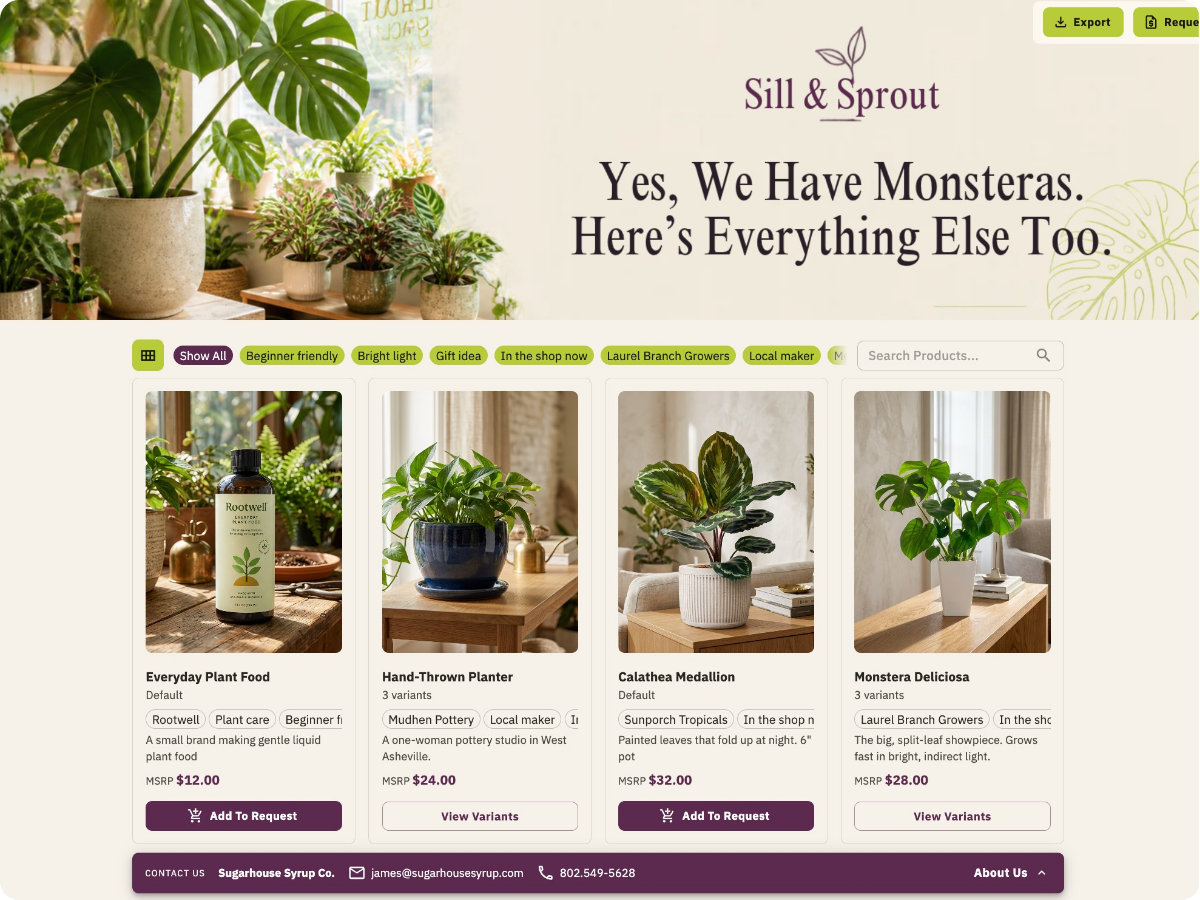
Growing used to mean a bigger budget, a new platform, or a developer on call. Verai does online commerce differently. Wholesale and online selling is within reach of every Thrive Inventory business, starting with the products you already track.
Your shop runs on real systems. Wholesale still runs on Canva line sheets, pricing you keep in your head, and orders scattered across your inbox.
Verai gives wholesale the same care: a polished Brand Portal for every buyer instead of another spreadsheet, pricing for each account, and one inbox for every order, all synced with Thrive Inventory. Keep products, pricing, and details current without resending attachments.
Your Thrive Inventory products, ready for every buyer, with the tools to turn a first order into a standing one.
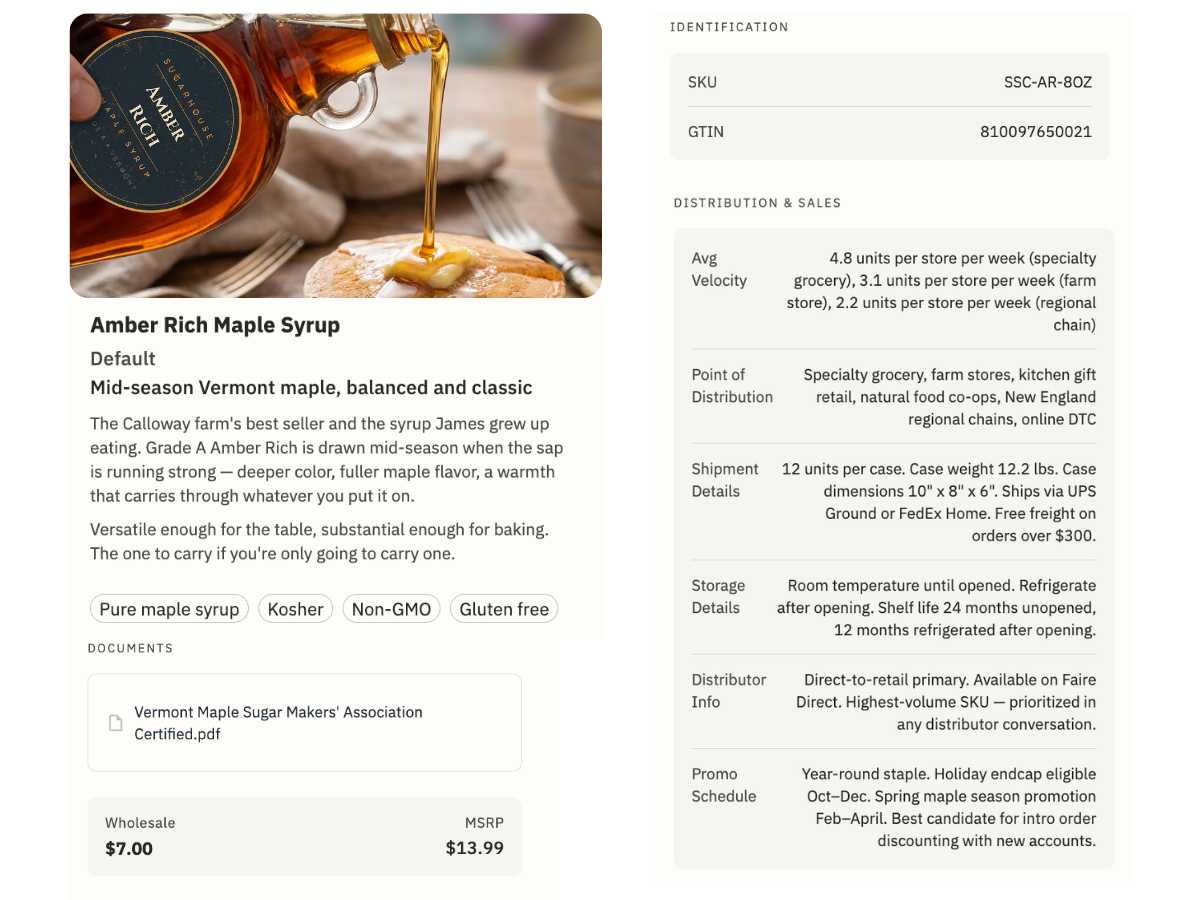
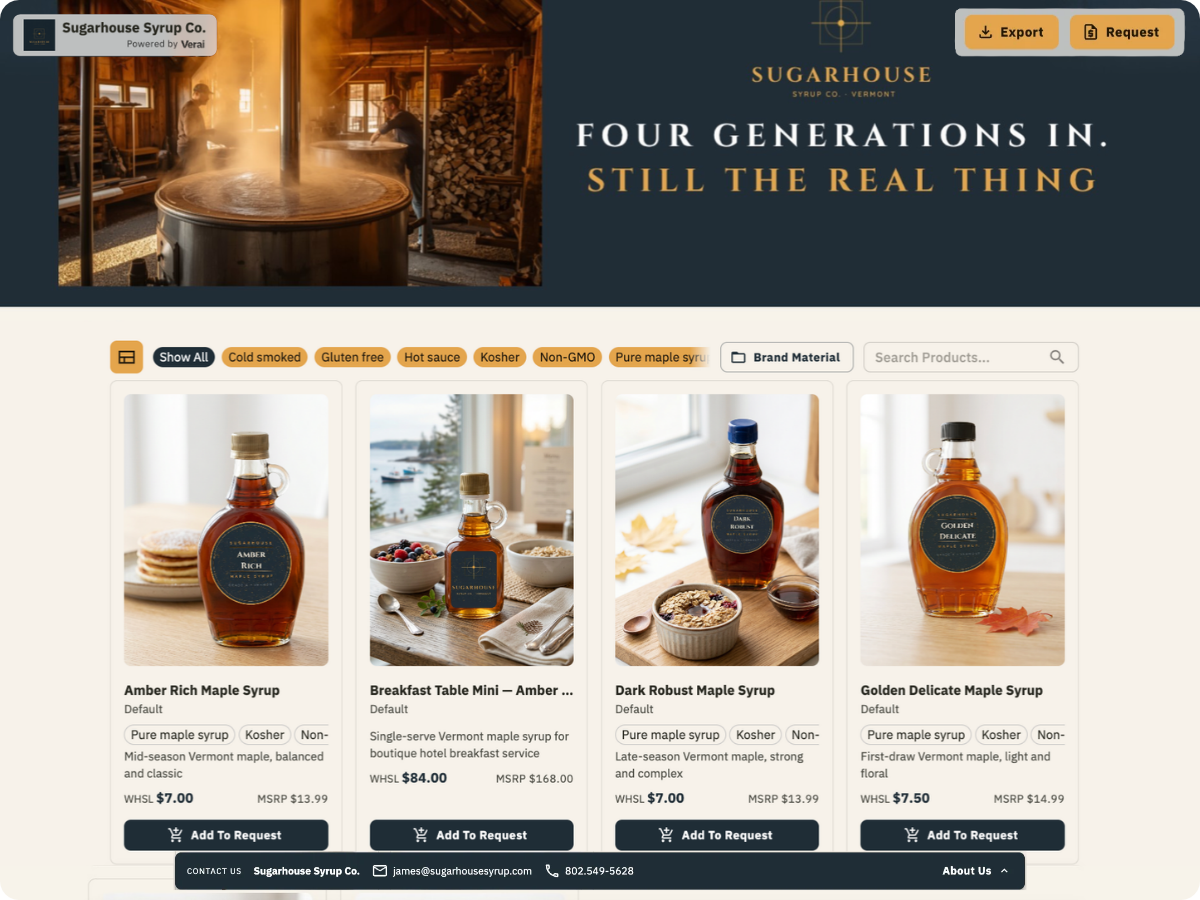
Your products, wholesale pricing, case packs, and certifications live on one branded page buyers can open anytime. No PDF to chase down, no back-and-forth to get a price, and buyers can request or order right from it.
Titles and descriptions come straight from Thrive Inventory. Add the wholesale details buyers ask for, like case packs, spec sheets, and certifications, and turn phone photos into buyer-ready images with our Image Studio.
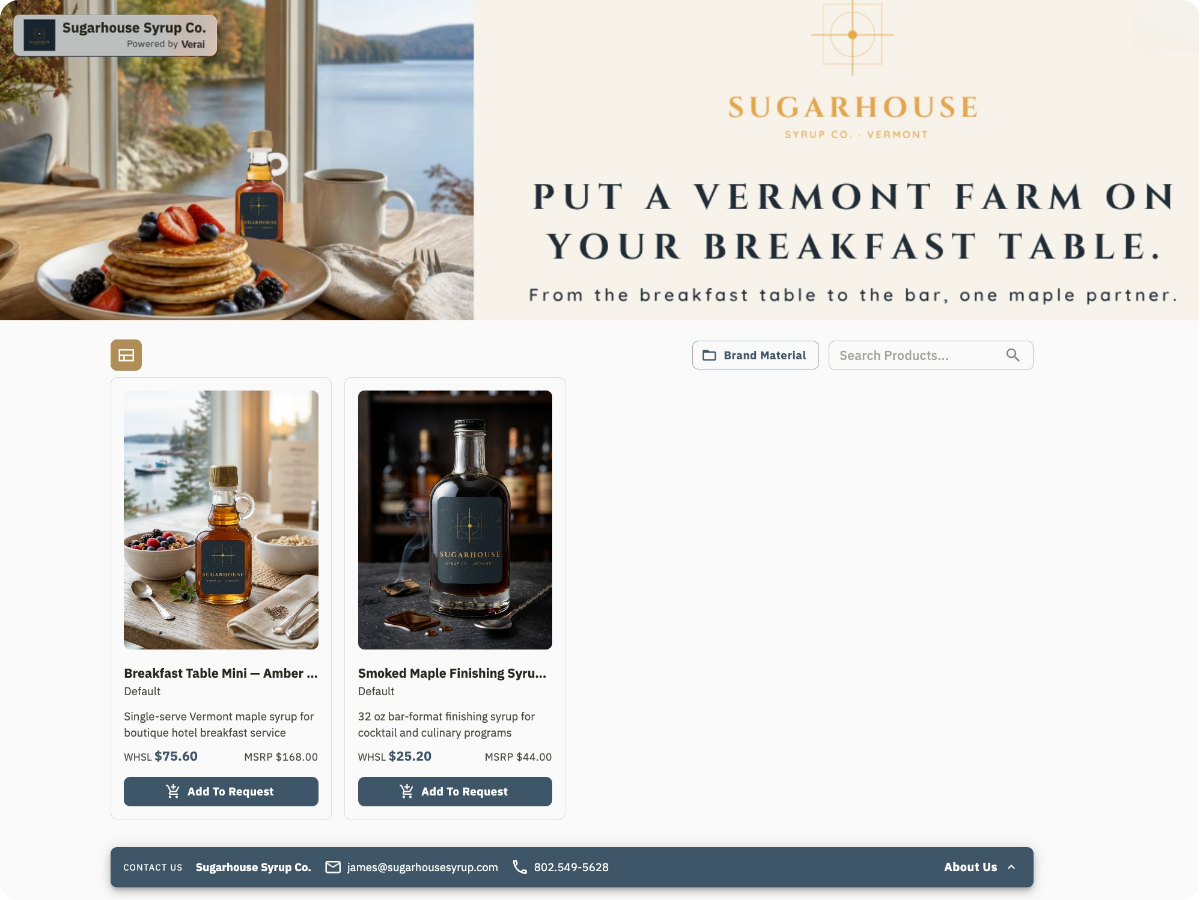
Build separate Brand Portals for different brands, collections, or buyers. Launch a new one in minutes, all from the same product library.
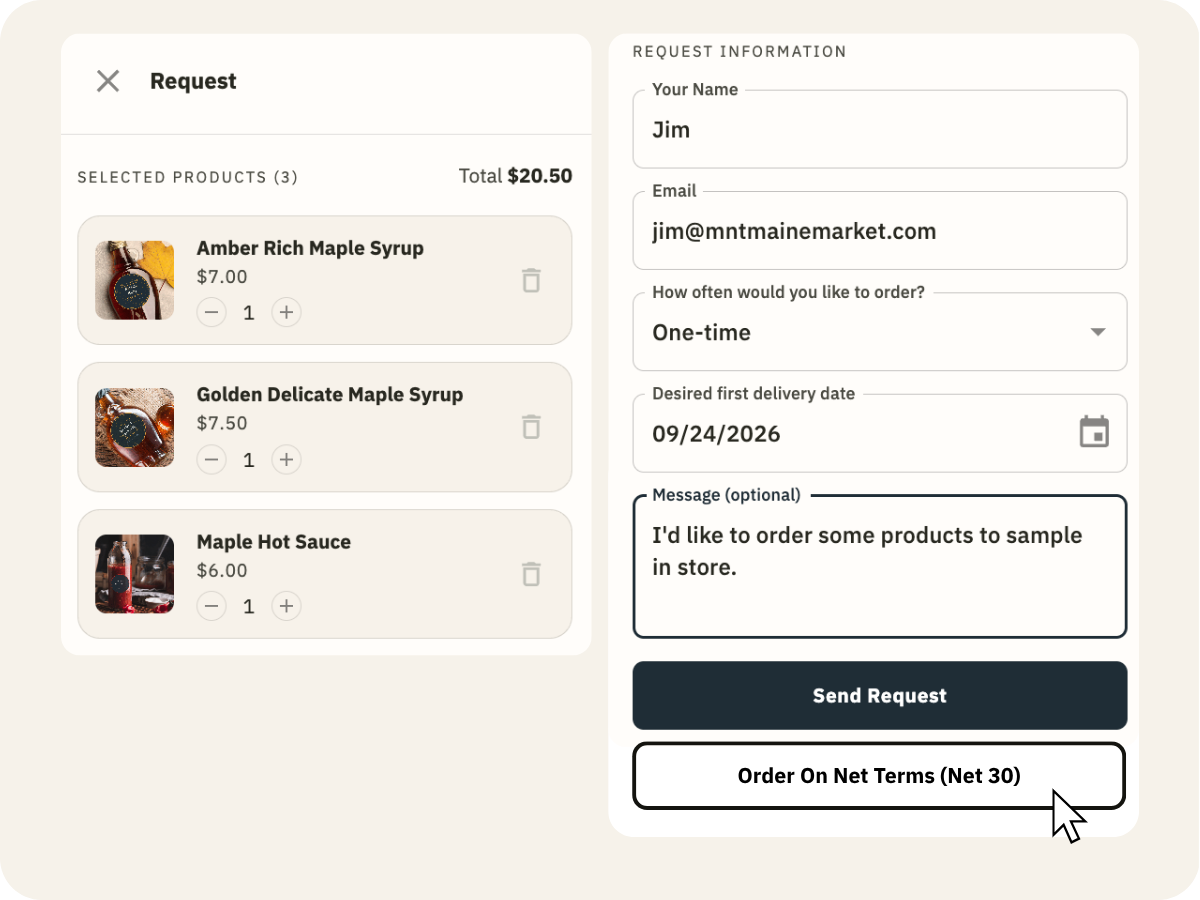
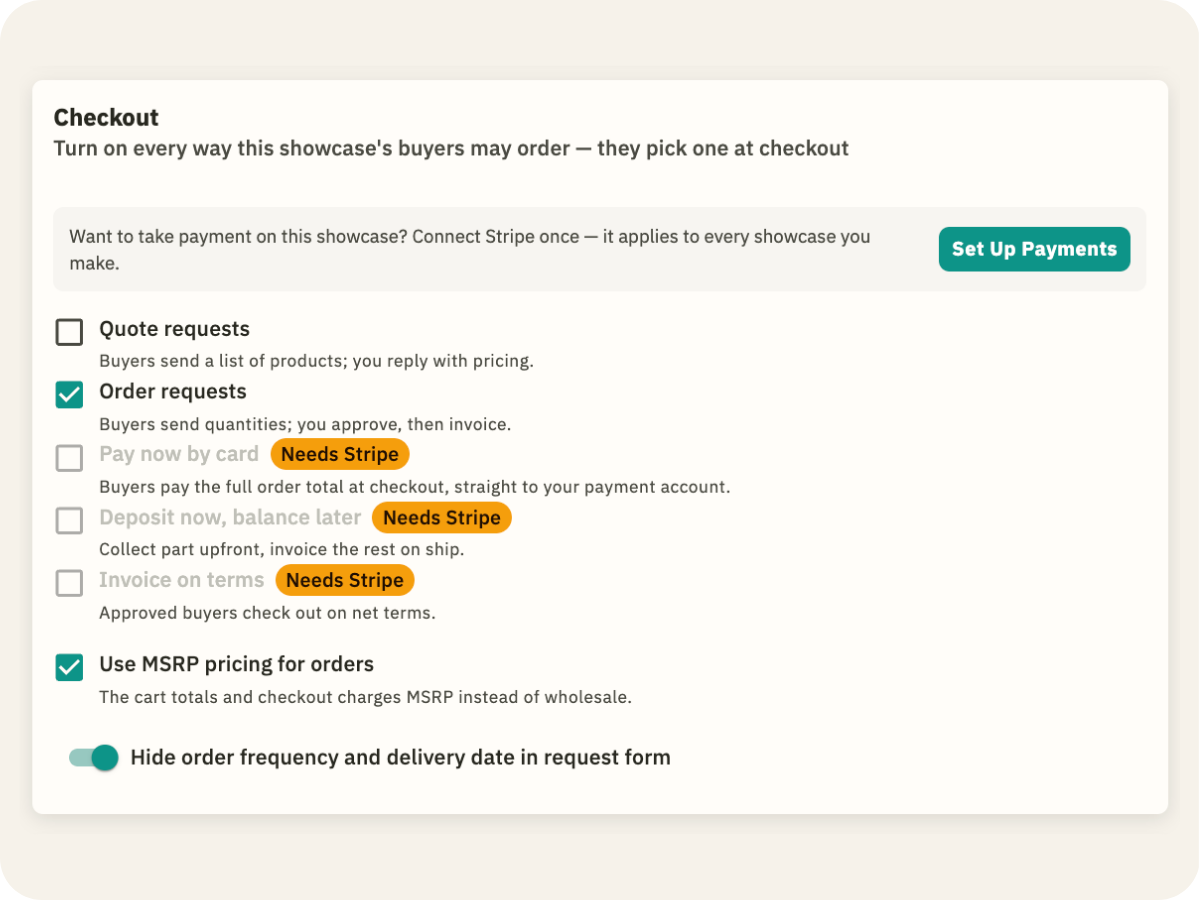
Buyers can send a request, pay by card, or order on terms. Card payments go to your Stripe account, and every order shows whether it's waiting on you, invoiced, or paid.
See who opened your Brand Portal, what they looked at, and who came back twice. You get a short call list instead of a guess, so follow-ups go where they'll land.


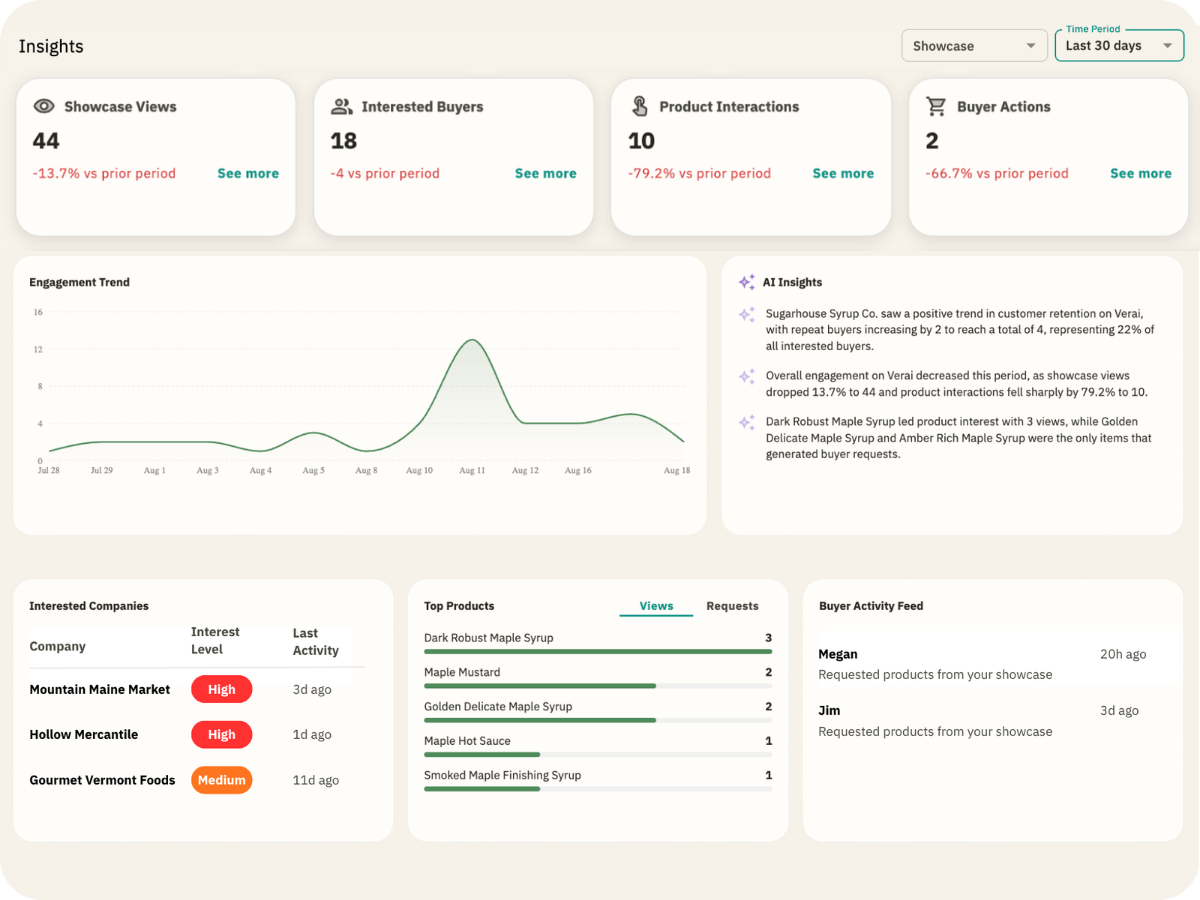
Tory is Verai's built-in AI assistant. Ask it to add wholesale details to the products you brought over from Thrive Inventory, set up a Brand Portal for a buyer or product line, and see who's been looking.
“Add wholesale prices and case packs to these products.”
“Create a Pricelist with a 10% discount for opening orders.”
“Make a wholesale Catalog with everything tagged ‘local.’”
“Create a private Brand Portal for (store name) using my wholesale Catalog.”
“Lock my Brand Portal to emails from (store's email domain).”
“Which products are missing a barcode or wholesale price?”
“Show me my pending orders.”
“Who's been looking at my Brand Portal this week?”
Choose what to sell wholesale from your Thrive Inventory catalog. Product details come over for you.
Case packs, pricelists for each account, spec sheets, and certifications.
Send buyers a link, lock it to their email or domain, or put a QR code on your booth.
Buyers request, order by card, or order on terms right from your Brand Portal.
Mark an order Fulfilled and stock gets deducted from your Thrive Inventory count.
Selling online can feel like a big leap. Pick a platform, build a website, set up checkout, and keep it all running while you're still running the shop. So it keeps getting pushed to next season.
Verai makes it a small step. Your Thrive Inventory products are already there, so you can start taking orders online without building a whole new website.
Everything you need to start selling online, built on the products and stock you already track in Thrive Inventory.
Add your logo, colors, banner, and story, so shoppers recognize your shop the moment they land. Turn phone photos into clean product shots with our Image Studio.
Titles and descriptions come straight from Thrive Inventory. Add the details shoppers look for, like sizes, ingredients, and care instructions, and hide anything they don't need to see.
See which products get the most views and what people keep coming back to. Use it to plan your next order, your window display, or your next promo.
Spin up one for new arrivals, another for holiday gifts, and set it to expire when the season ends. Each one pulls from the same product library.
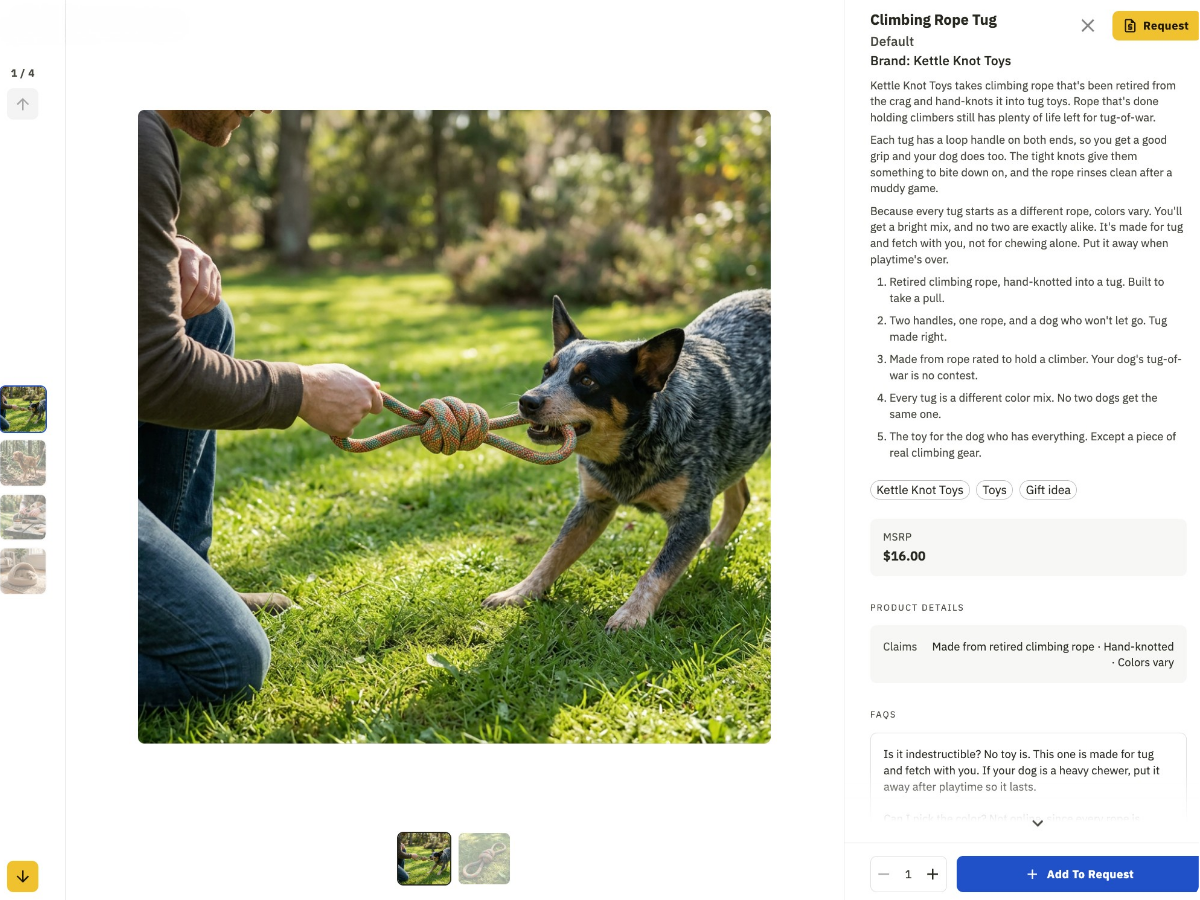
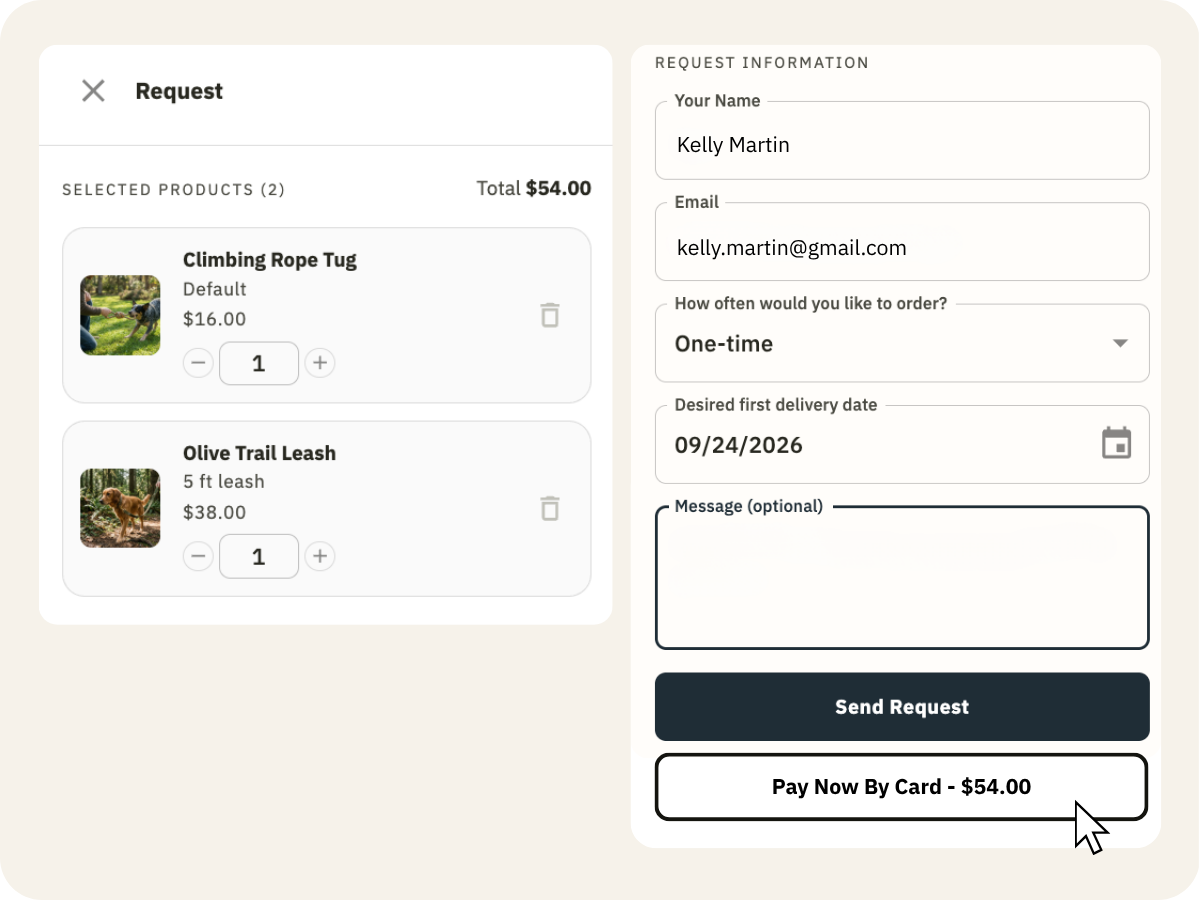
Shoppers see your MSRP, add to cart, and check out via Stripe.
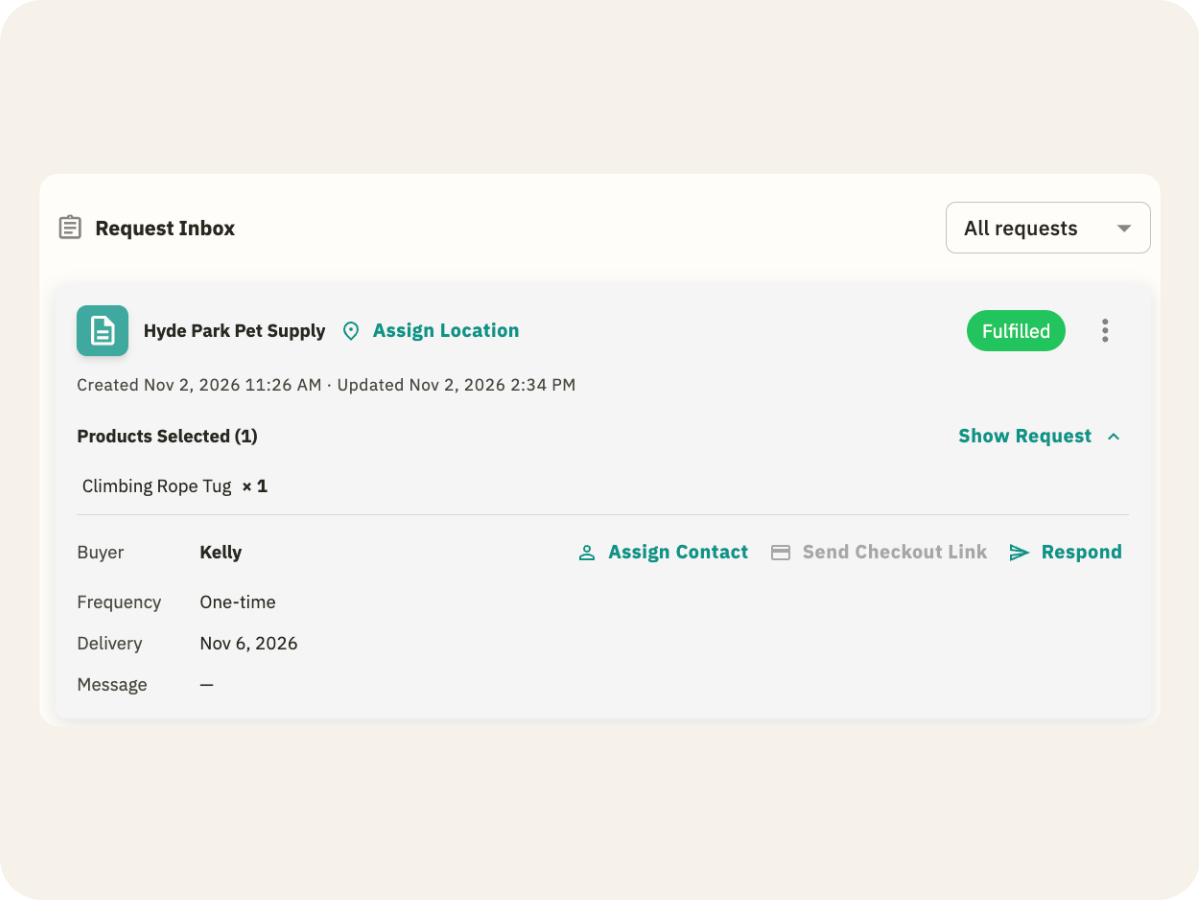
When the shelf runs out, the product shows Out of Stock online too. Mark an order Fulfilled and stock gets deducted from your Thrive Inventory count, same as an in-store sale.
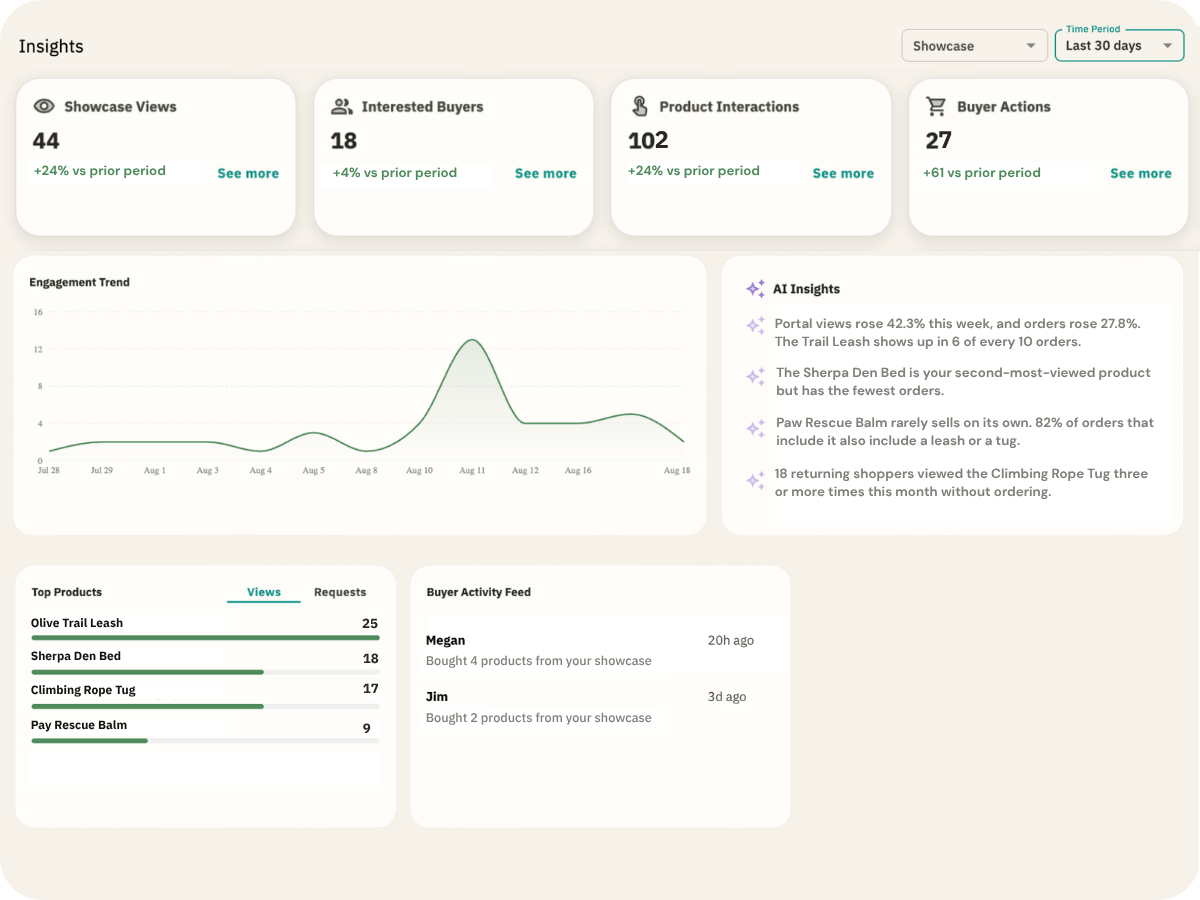

Tory is Verai's built-in AI assistant. Ask it to switch a Brand Portal to retail pricing, build a collection for the season, or write the About Us your shoppers see.
“Make a holiday Catalog with everything tagged ‘gift.’”
“Write an About Us for my online shop.”
“Turn on email capture for my Brand Portal.”
“Set my holiday Brand Portal to expire on January 2.”
“Which products are missing an MSRP?”
“What are my most viewed products this month?”
“Show me this week's orders.”
Choose what to sell online from Thrive Inventory. Product details come over for you.
Hide wholesale prices so orders calculate at MSRP.
Put it on your website, Google listing, Instagram bio, or newsletter.
Shoppers add to cart and check out at your retail prices, day or night. Every order lands in your Verai inbox, ready to pack.
Mark it Fulfilled and stock gets deducted from your Thrive Inventory count, same as an in-store sale.
A lot of your customers look online before they buy. When they can't see what you carry, it's easy for them to order from a big online store instead.
Start by giving them a place to see what's actually on your shelves right now. When you're ready to take orders online too, it's the same Brand Portal, one switch away.
Show shoppers what's on your shelves, wherever they're looking, and bring them through the door.
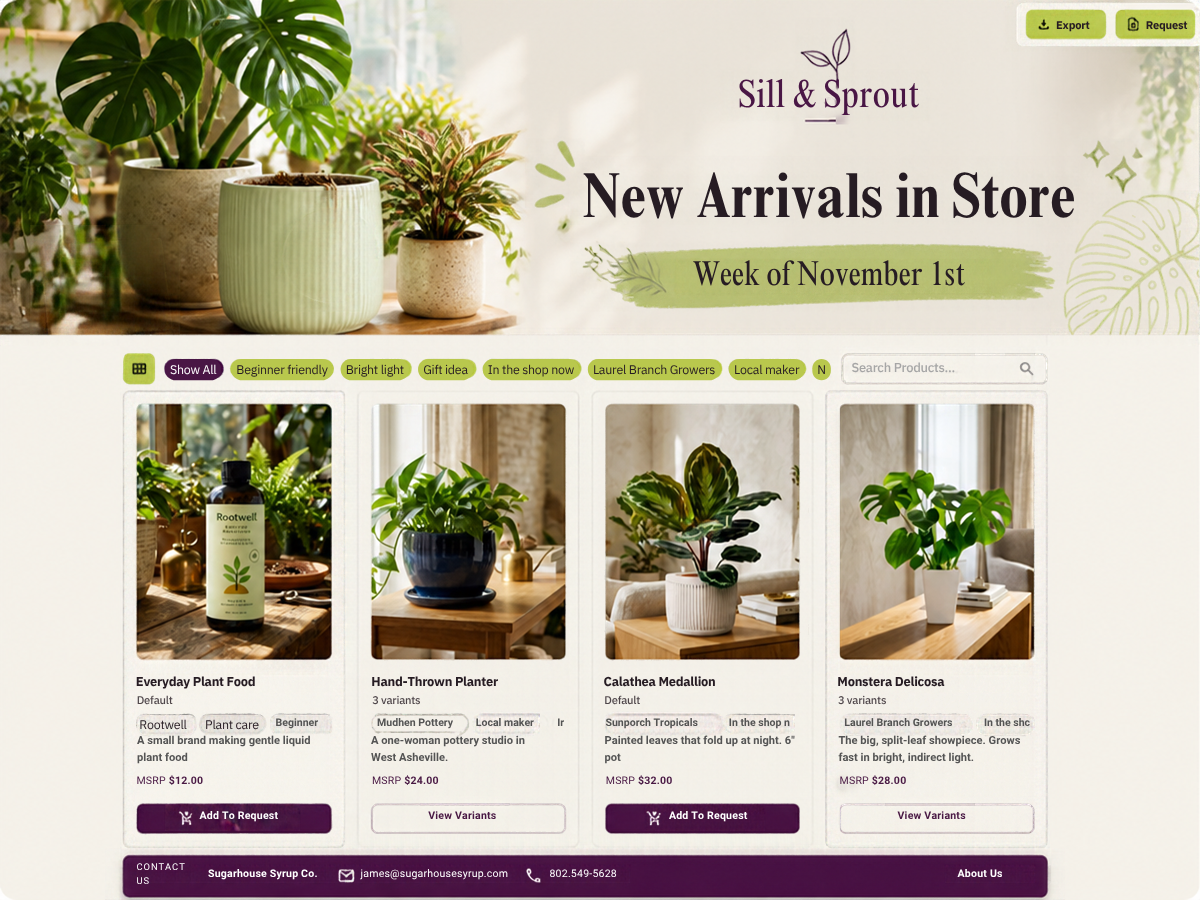
Add your logo, colors, banner, and story, so shoppers recognize you before they walk in. Turn phone photos into clean product shots with our Image Studio.
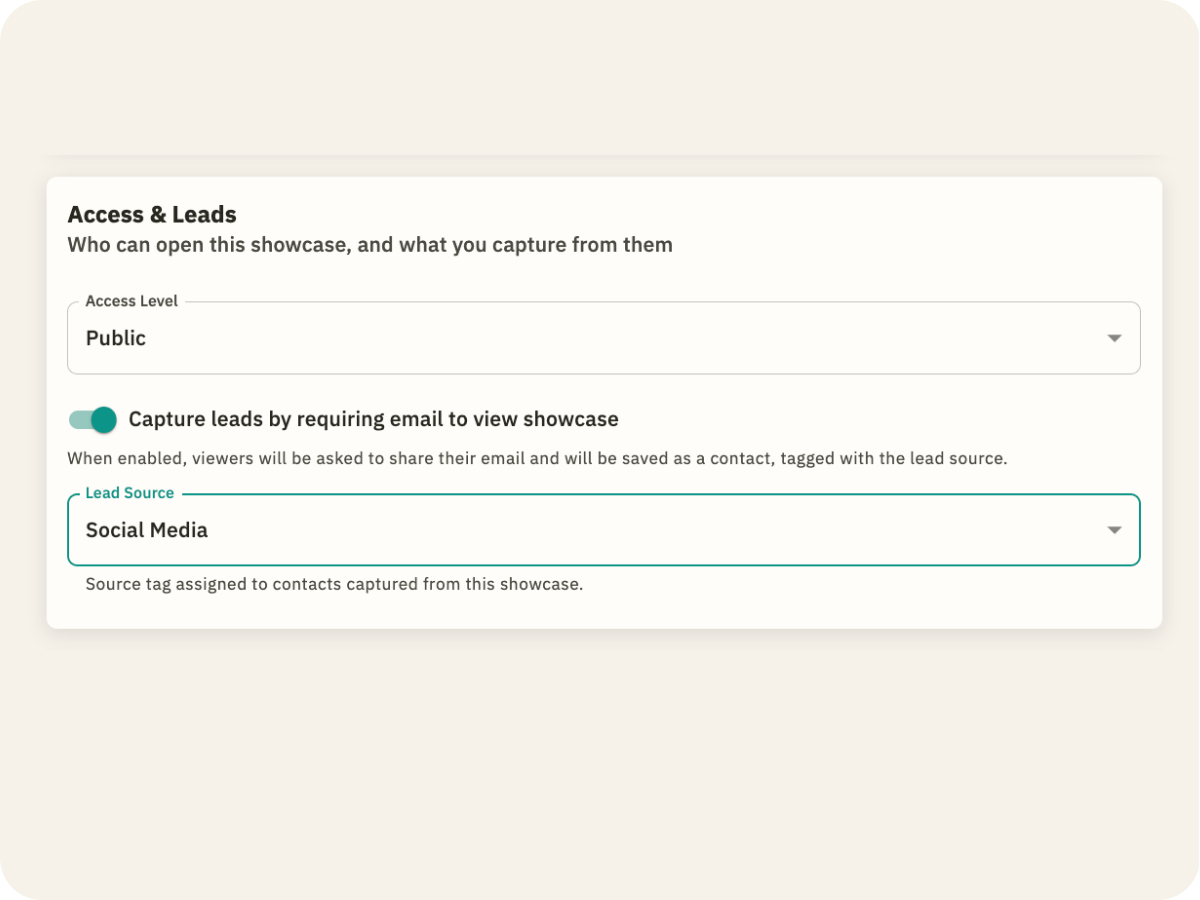
Turn on email capture and visitors leave their email before they browse. Every new contact is someone you can invite back for the next sale or new arrival.
See which products get the most views and what people keep coming back to. Use it to plan your next order, your window display, or your next promo.
Spin up one for new arrivals, another for holiday gifts, and set it to expire when the season ends. Each one pulls from the same product library.
Turn on ordering and retail pricing, and your catalog becomes your online store. No rebuild, no new link.

Tory is Verai's built-in AI assistant. Ask it to set up a public Brand Portal with retail prices, choose which products show, and see what shoppers look at most.
“Add everything tagged ‘new arrivals’ to my in-store Catalog.”
“Remove (product name) from my in-store Catalog.”
“Turn on email capture so shoppers can join my list.”
“Write an About Us for my shop.”
“Give me the link to my Brand Portal.”
“Which products are shoppers viewing most?”
“Which products are missing an MSRP?”
Choose what to show from Thrive Inventory. Product details come over for you.
Brand Portals start as a browse-only catalog, so there's nothing to set up. Turn on ordering whenever you're ready.
In your newsletter, Instagram bio, Google listing, or a QR code by the register.
In Stock and Out of Stock follow your Thrive Inventory counts.
No. You can use Verai as an online store or a browse-only catalog of what's in stock.
No. Verai works on its own. Connecting Thrive Inventory adds the stock and product sync.
Stock, orders, and core product info. When you mark a Verai order Fulfilled, stock gets deducted from your Thrive Inventory count. Product titles and descriptions come from Thrive Inventory, which stays the source of truth, so make those edits there. Wholesale details like pricing and pricelists live only in Verai. New products you add to Thrive Inventory later come over only when you choose to sync them.
No. They see In Stock or Out of Stock, never a number.
You pick one location to fill Verai orders, and you can change it anytime.
Verai checks with Thrive Inventory before the order goes through. If you can't fill it, they see which item to adjust.
If you cancel before marking it Fulfilled, nothing gets deducted from your Thrive Inventory count.
By card. Shoppers check out on your Brand Portal with Stripe, payments go to your Stripe account, and every order lands in your Verai inbox.
You can start on the Free plan, which includes up to five Brand Portals. Paid plans add more portals, a custom domain, and more. See Pricing
No. Verai doesn't take an integration spot on your Thrive Inventory plan. The connection works on every Verai plan, including Free.
It's the same Tory, built into each app. In Verai, Tory can also make changes, like updating products or setting up a Brand Portal. Each one only sees its own account, so Tory in Verai can't answer questions about your Thrive Inventory data, and the other way around.