
Ditch the spreadsheets and PDFs. Give retailers a buying experience that lives up to the brand you've built and makes saying yes easy.
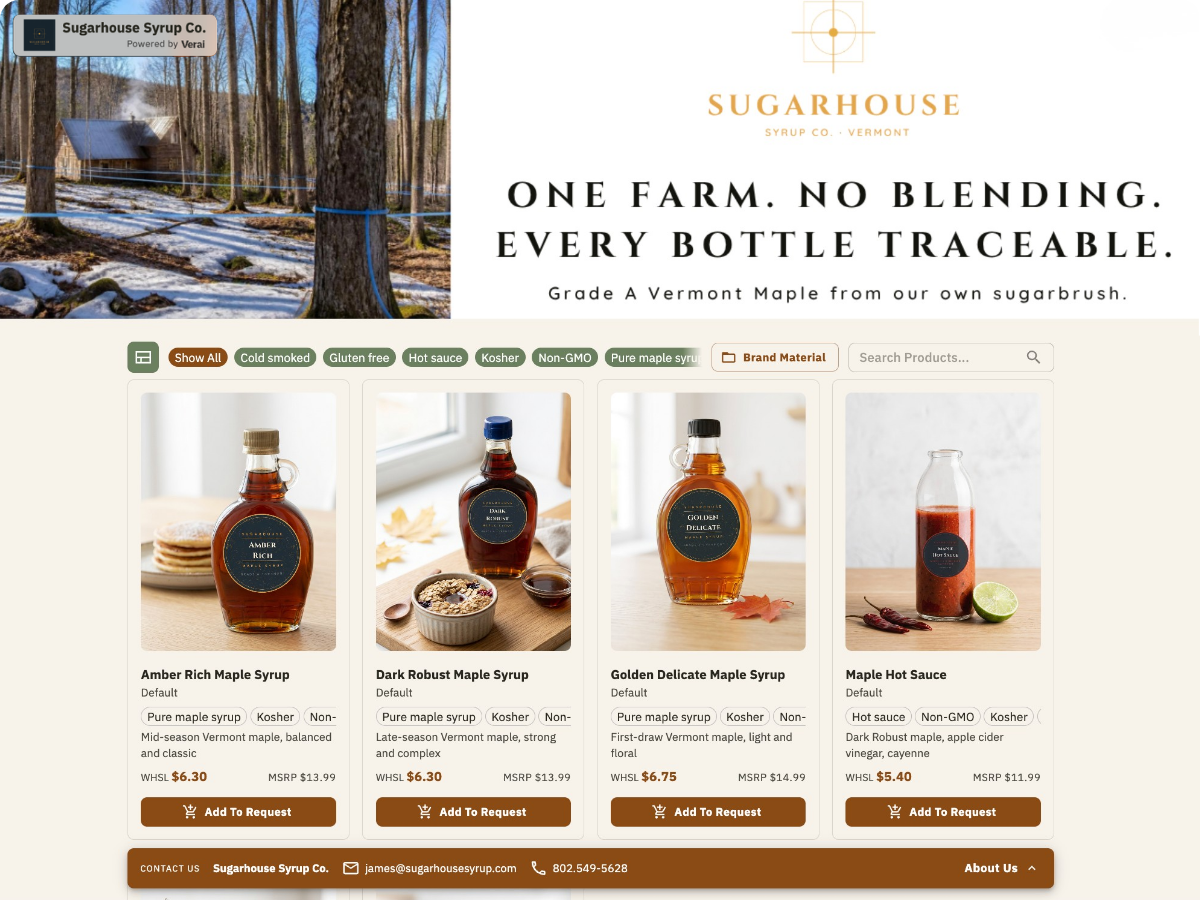
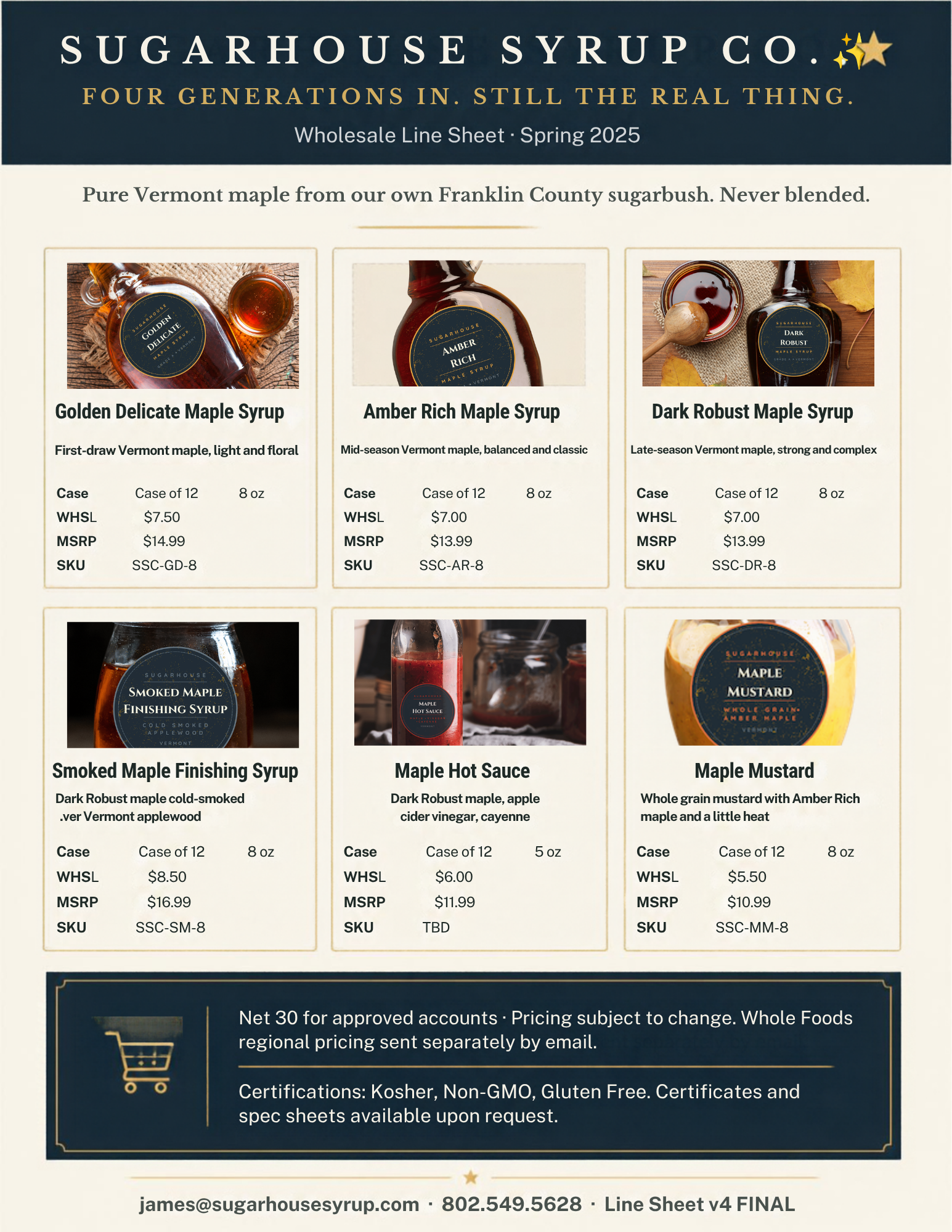
A buyer asks for your line sheet and you're exporting a PDF from Canva, hoping the pricing tab is the one you actually updated. It took a whole afternoon to build, and it works until it doesn't: the file is a season old, or it's been forwarded three times to people you've never talked to.
The buyers you want aren't judging your product. They're judging the version of it you handed them.
Upgrading takes less time than your last PDF build did, and buyers notice the difference right away.
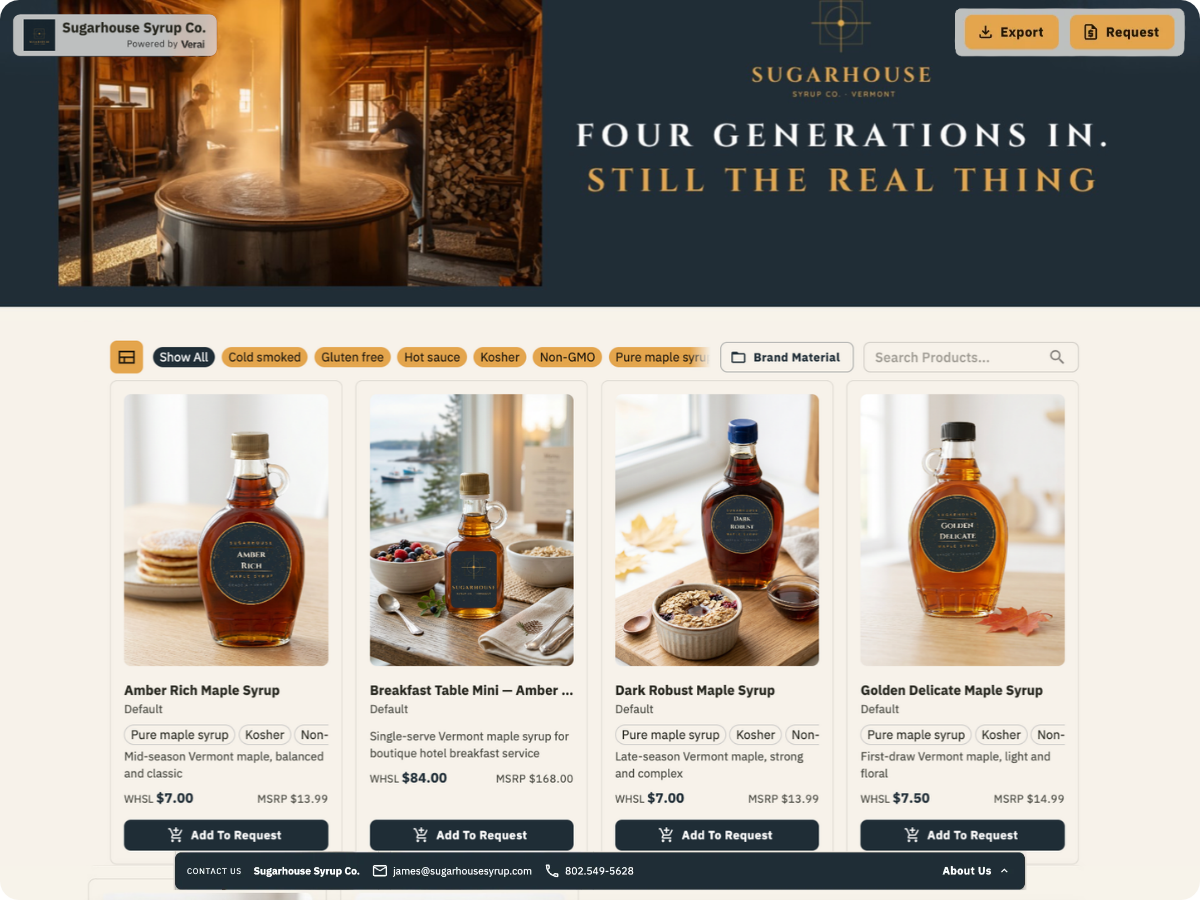
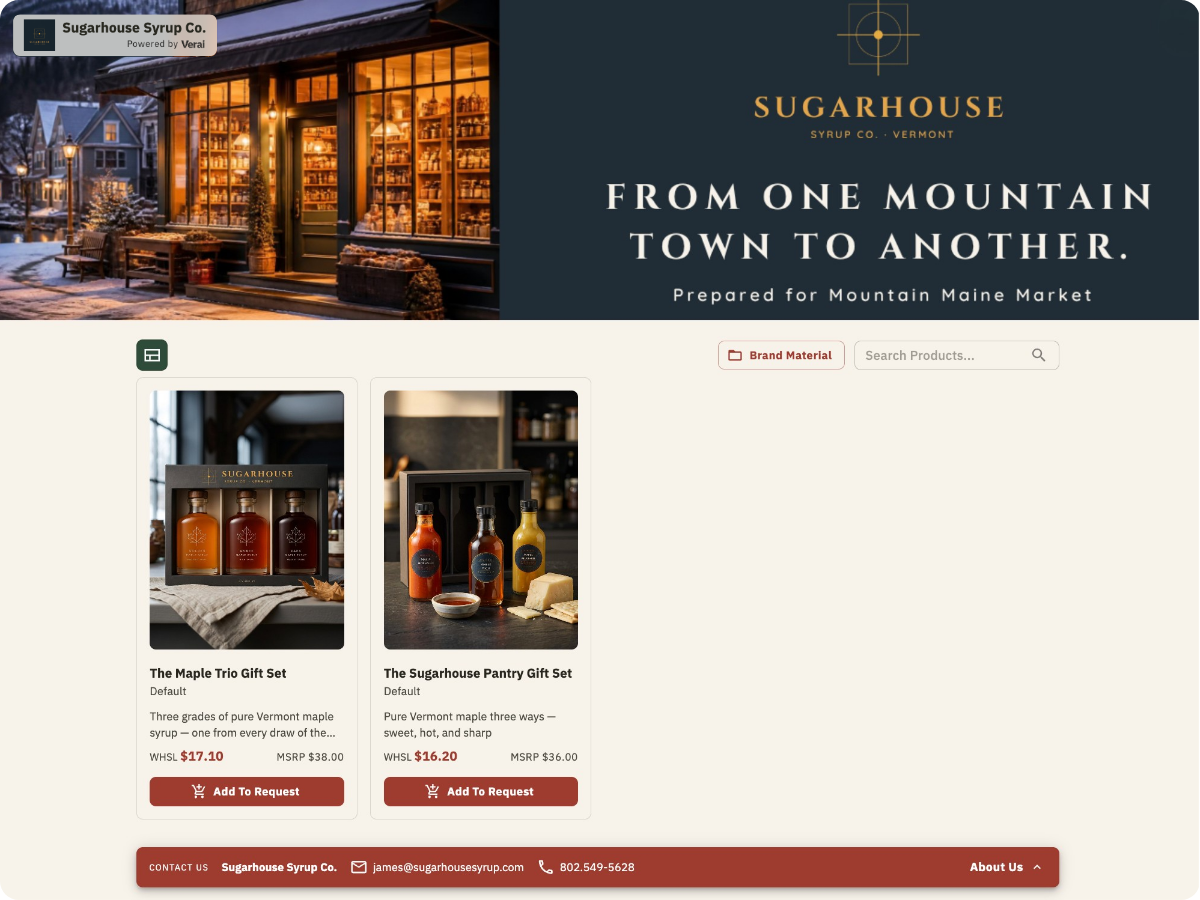
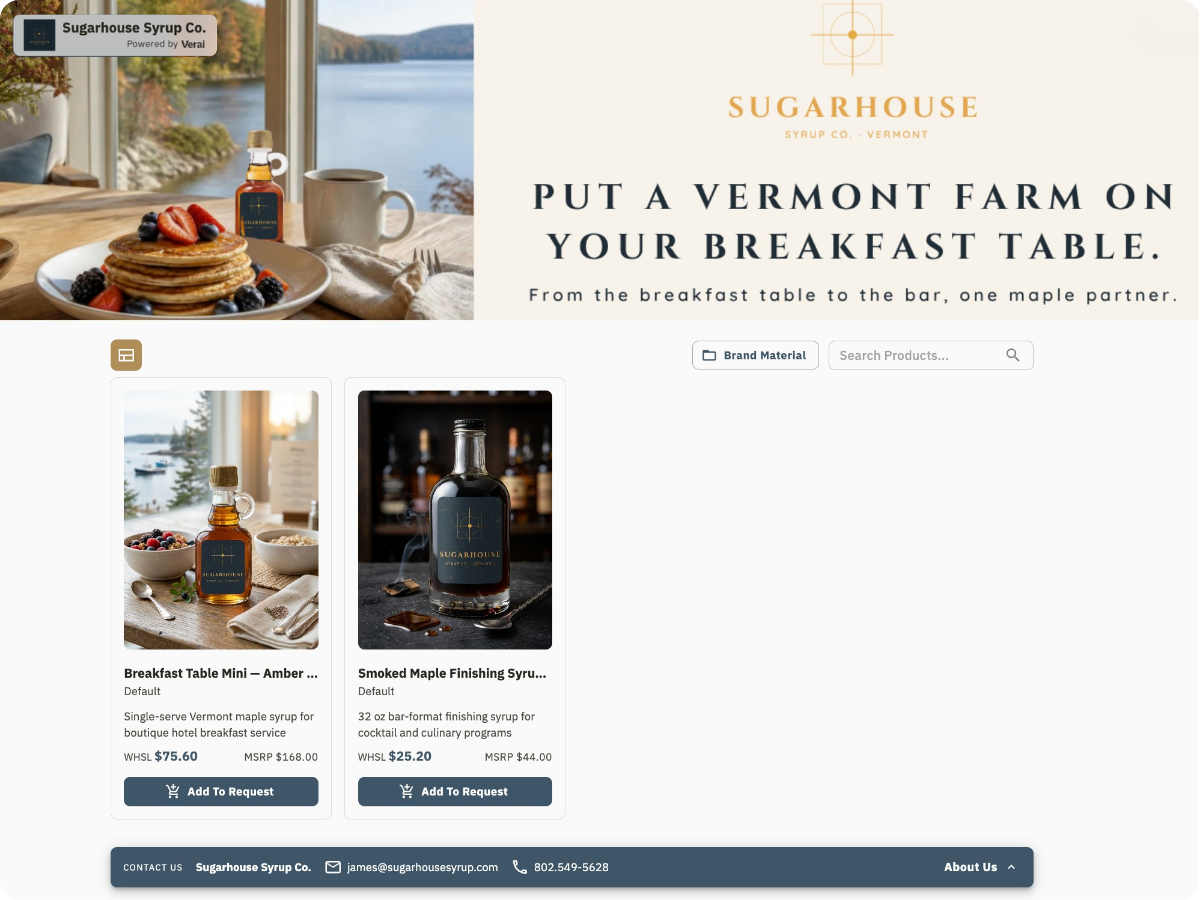
Pick custom brand colors, add your logo and banner, pin your best sellers, and write a tailored About Us for each audience you sell to. Host it on your own domain and hide the Verai badge, so buyers only see you.
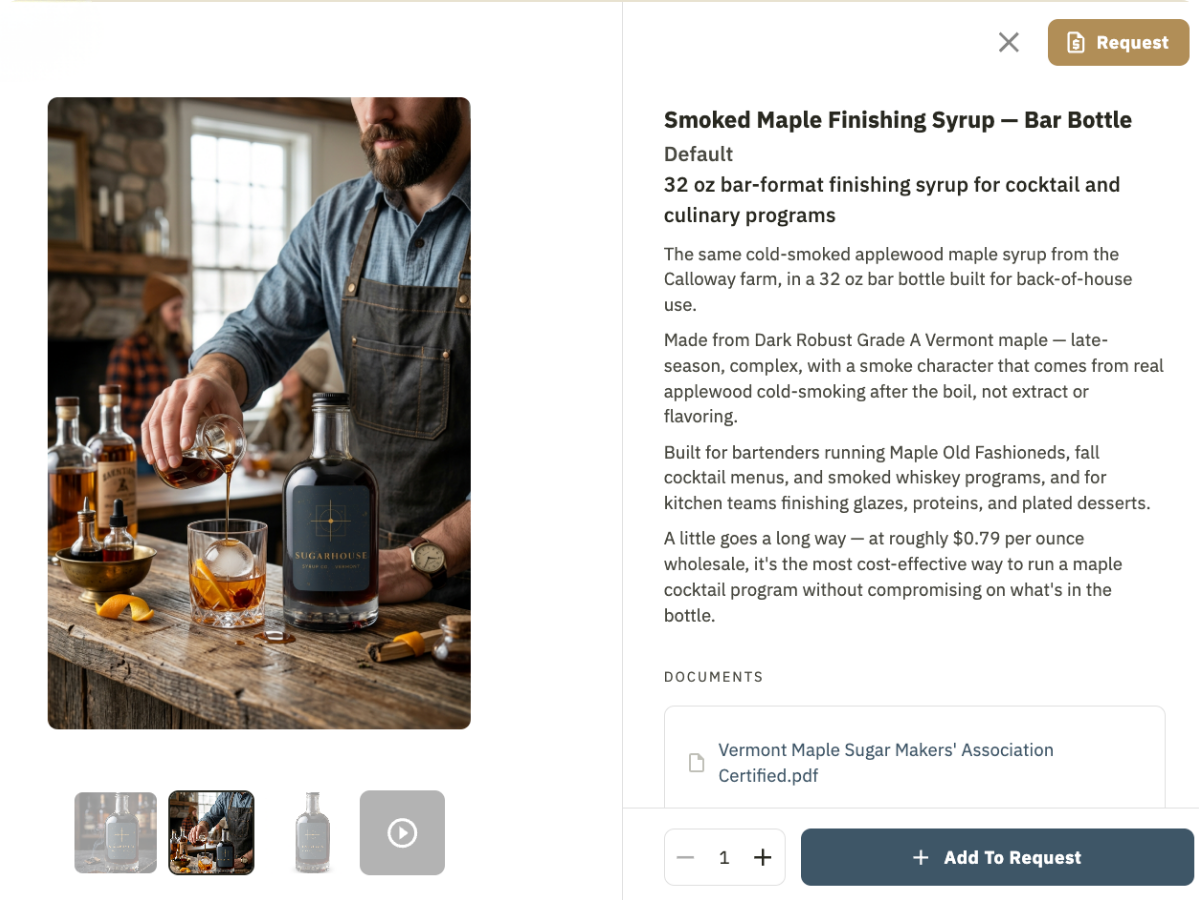
Pull together the right products and attachments for each account, tailor the product details they see, and display a collection that shows why you’ll be successful in their store.
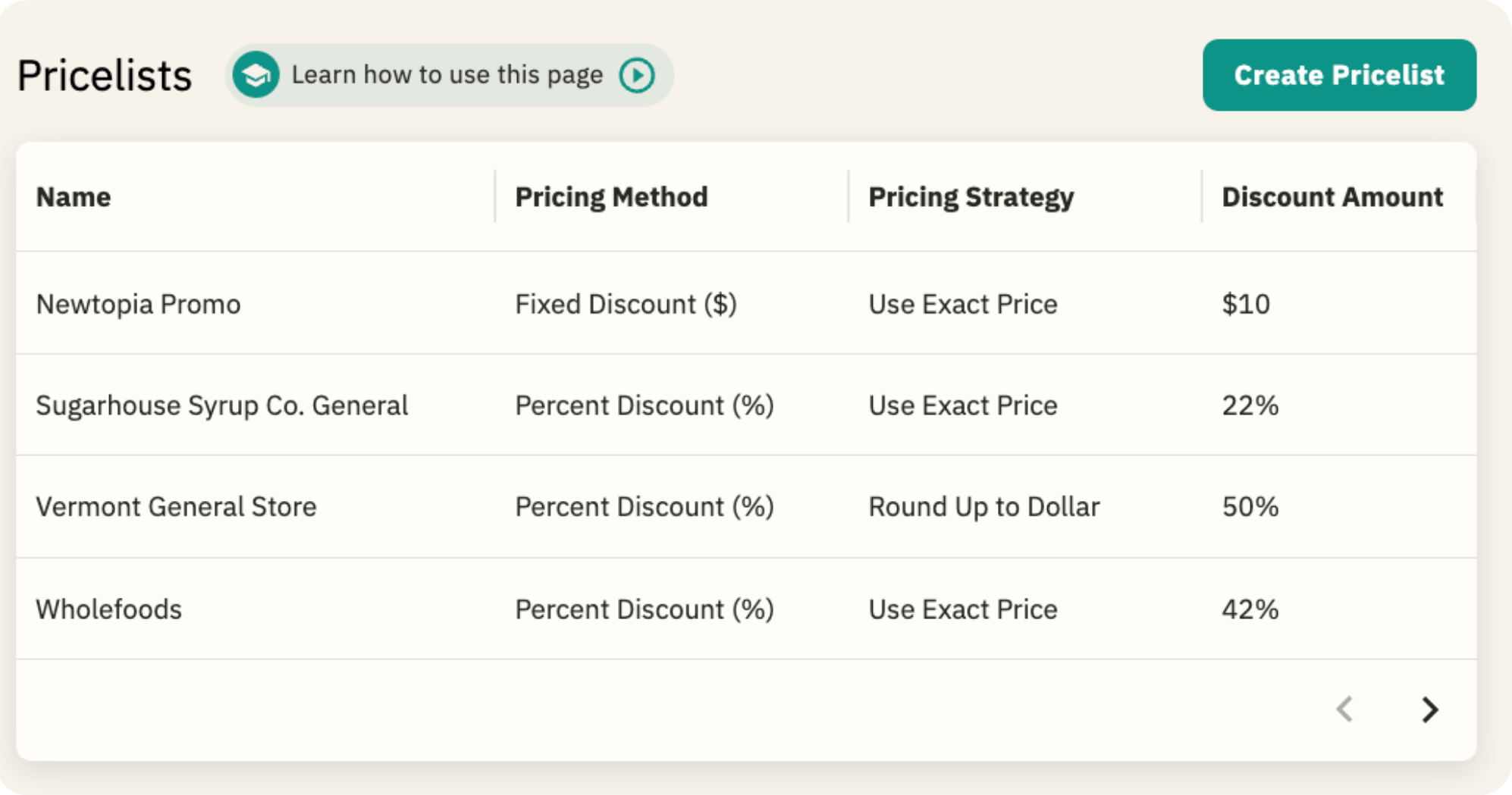
Each buyer sees only the pricing meant for them, never a spreadsheet they could compare with someone else. Build the tier once and reassign it whenever a deal changes.
Add product videos, customer content, and photo galleries that buyers can click through, and turn phone photos into polished shots or full lifestyle scenes with AI Image Studio. It's the showroom experience, so every product makes its case.
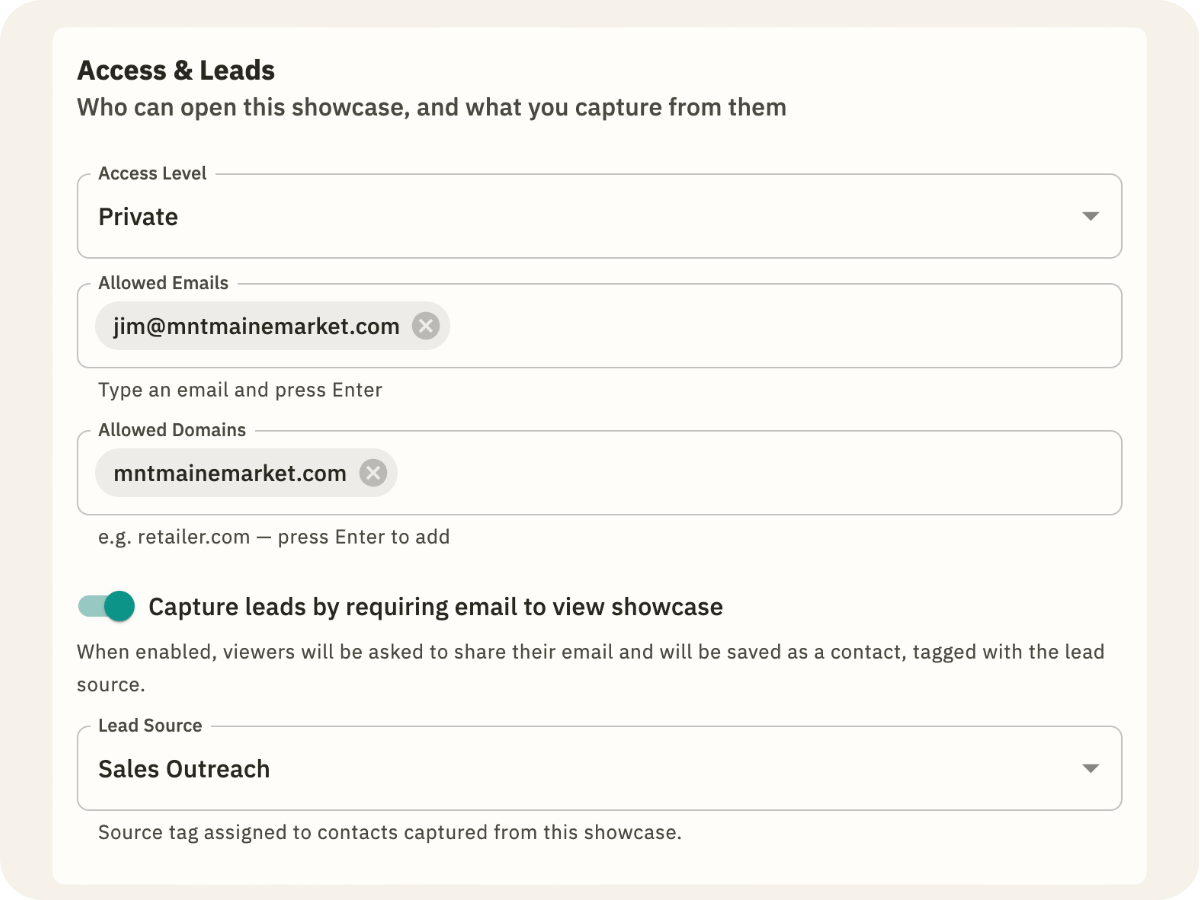
Make a Brand Portal public for a trade show, print the QR code for your table, and turn on email capture so every visitor becomes a tagged lead. For a private conversation, lock it to specific buyer emails or a company domain, so one account's pricing never ends up in another's inbox.
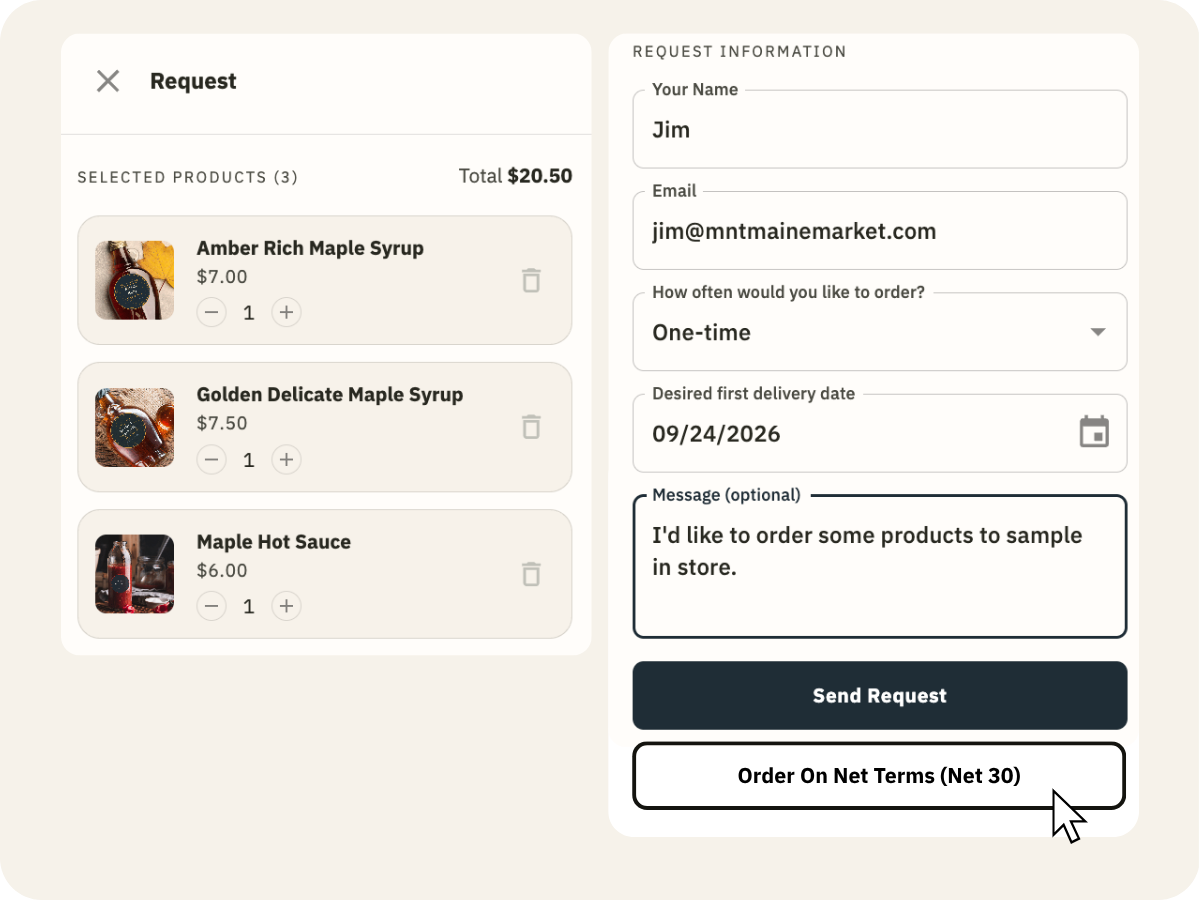
Some buyers want a spreadsheet for their team, some want samples, and some are ready to place an order. Turn on exactly the options each Brand Portal needs, or keep it a simple look-book until you're ready to take orders.
Learn More →When a new account, a new season, or a new product line comes up, create a new Brand Portal, pick the right catalog and Pricelist, give it its own link, and it's ready to send in minutes. Each one keeps its own look, story, and pricing, so every buyer gets a site built just for them.
Learn More →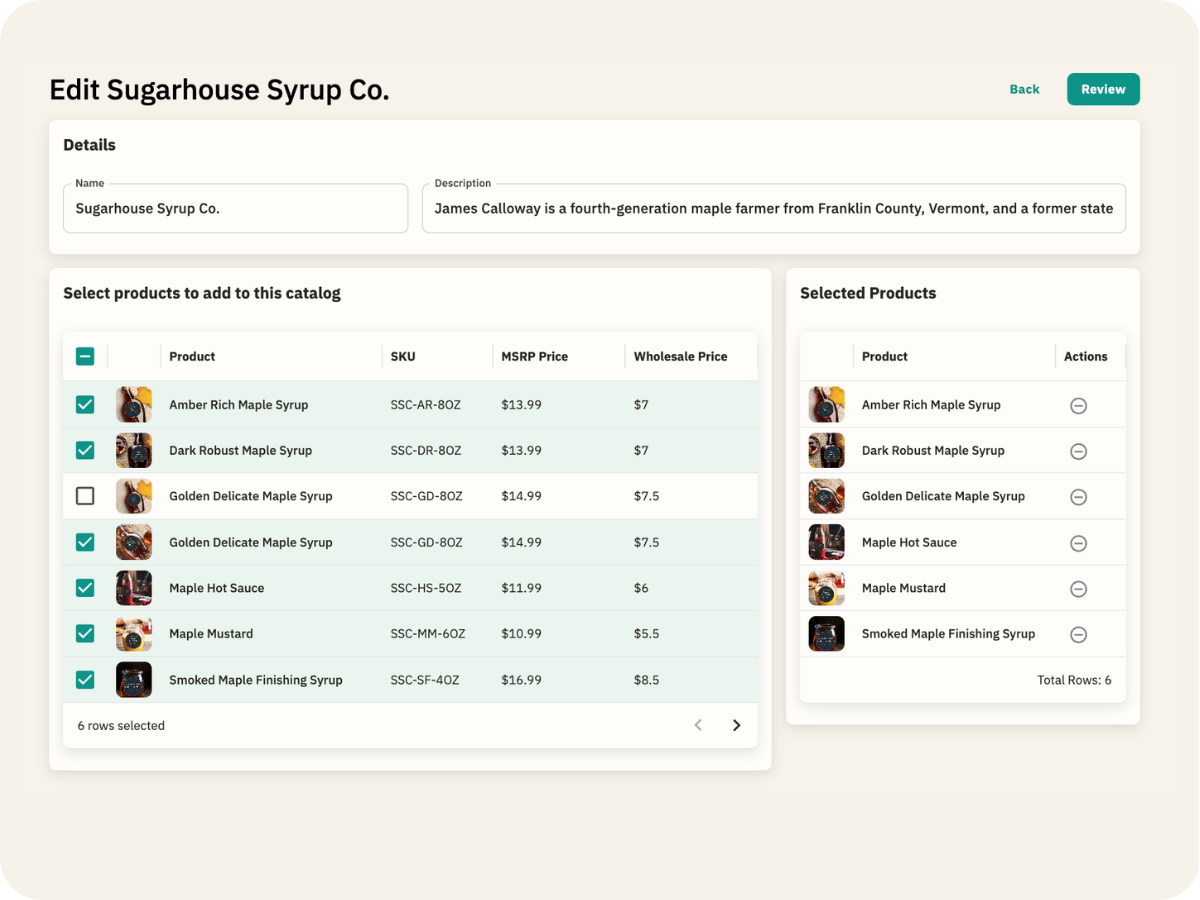
No credit card needed, and it takes about two minutes.
You're not starting from zero. Connect Shopify, pull from Faire, or upload a spreadsheet, PDF, or URL. We’ll read it and build your product records, and you'll review before anything goes live.
Add your logo, brand colors, and banner, assign a Pricelist, and send your first buyer a link that you own.
It's a line sheet that lives at a link instead of in an attachment. Buyers see your products, wholesale pricing, and certifications on a branded page, and it updates whenever you do. In Verai, it's called a Brand Portal.
No. It's a link. Buyers open it and see your products, pricing, and proof, no login required.
Yes. Buyers can export your catalog as a CSV or Excel file right from the page, which makes new item forms and internal buying reviews a lot faster.
Yes. Attach certifications, spec sheets, and product documents to each product, and buyers can open them right from your Brand Portal. See Product Information →
Yes. Build a Pricelist once and assign it to the Brand Portal it applies to.
Yes. You can run it as a look-book with no request or checkout flow, then turn ordering on whenever you're ready.
Yes. Generate a QR code for any line sheet, print it for your booth, and buyers browse your full catalog on their phone.
Every Brand Portal built from that product updates automatically. No re-exporting, no re-sending.
You can start on the Free plan with up to five Brand Portals and no credit card. Starter and Standard add more portals, a custom domain, and per-buyer product details. See Pricing →